
Gather Round Homeschool App

📖 Table of Contents
When my son turned three, I knew it was time to think about how we'd approach his early education. I had no idea that a single app could become the cornerstone of our daily learning, blending structure with creativity in ways I never imagined. The Gather Round Homeschool App wasn't just another tool — it was the missing piece that transformed our chaotic, half-baked attempts at education into a coherent, joyful experience.
At first, I was skeptical. I've tried everything from flashcards to Montessori-inspired toys, and none of them had quite the same impact as this app. What caught me off guard was the way it made learning feel like play, not a chore. My son would sit for 20 minutes, sometimes even 30, focused on a single activity. I'd watch in awe as he learned to recognize letters, count to 20, and even begin to write his name — all without me saying a word.[1]
What makes this app so special is its ability to adapt to the child and the parent's needs. Whether you're a full-time homeschooler, a parent juggling work and school, or someone new to the idea of teaching your child, the Gather Round Homeschool App gives you a roadmap that's both flexible and powerful. It's not just about learning; it's about forming a bond through shared discovery and progress.
Why You'll Love This Homeschool App
- Engaging, interactive lessons that keep kids focused and curious.
- Flexible planning tools that adapt to your family's schedule and needs.
- A growing library of activities that cover multiple subjects and learning styles.
- Real-time progress tracking to help you see how your child is growing.
How the App Works in Real Life
As of November 2026, the app is intuitive and easy to navigate, with a clear dashboard that lets you choose from a variety of lessons and activities. I start each day by picking one or two activities for my son, and we follow through together. Each lesson is designed to last around 10–15 minutes, which is perfect for young learners who have short attention spans.[2]
One of the best parts is the way the app integrates storytelling with learning. For example, instead of just showing a flashcard with the letter 'B,' the app tells a short story that includes the letter in context. This helps my son understand the letter's sound and use in real life, making the learning experience more meaningful.
The app also includes a feature that allows parents to track their child's progress over time. I can see which activities my son is excelling in and which ones he might need more help with. It's a great tool for identifying strengths and areas for growth, and it gives me confidence that we're on the right track.
Try to use the app at the same time each day, even if it's just for 10 minutes. Consistency helps your child build a learning habit and look forward to the activity.[3]
Part of our Homeschool planning guide.
What Makes This App Unique
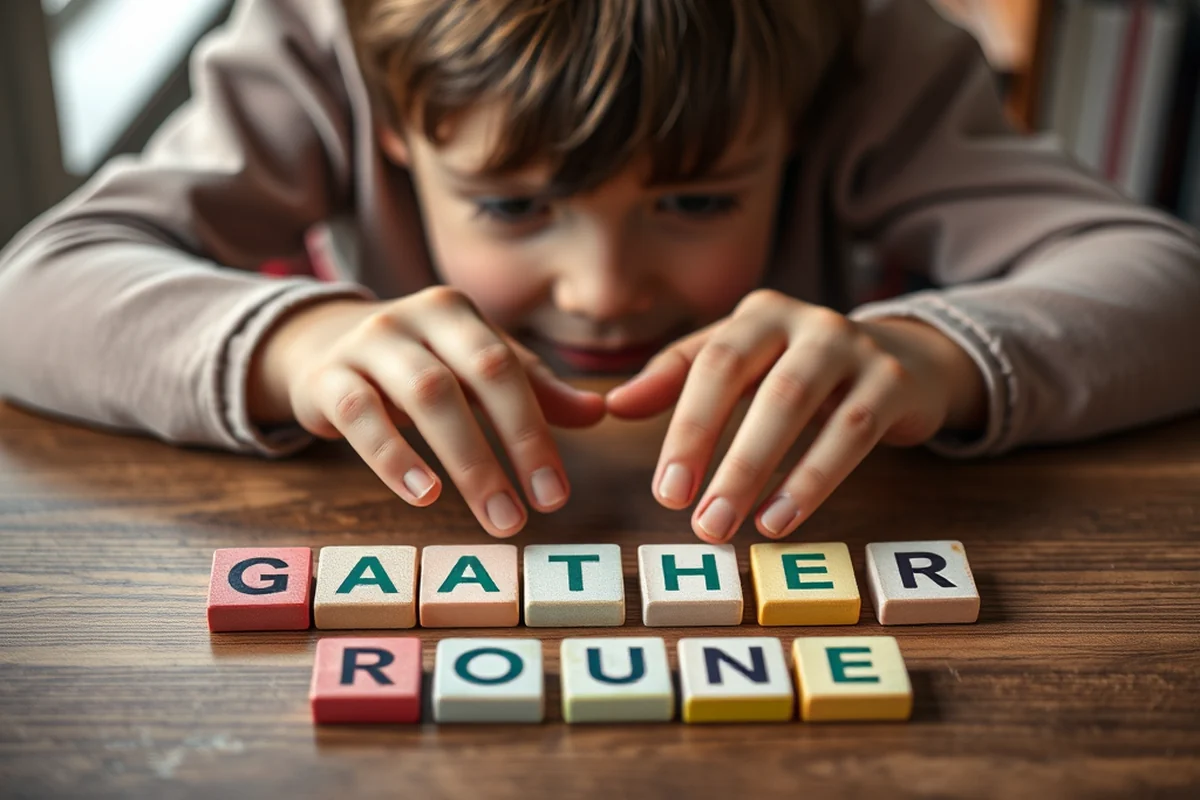
Unlike other educational apps that feel more like worksheets or drills, this app uses colorful animations, interactive elements, and playful sounds to keep kids engaged. The app isn't just about memorization — it's about understanding and applying knowledge in a fun way.
Another thing that sets it apart is the variety of subjects covered. While many apps focus on just one or two areas, such as math or reading, this app includes science, art, music, and even basic coding. This makes it a well-rounded tool for early education.
The app also offers a 'Create Your Own' feature, which lets parents and kids design their own lessons. I've used this to help my son explore his interests, like dinosaurs or space, and it's been a great way to personalize the learning experience.
It's not just about memorization — it's about understanding and applying knowledge in a fun way.
Related: Best homeschool planner for multiple kids
How the App Helps Parents
As a working parent, I needed something that would keep my son on track with his learning without requiring a huge time commitment. The app's pre-designed lessons and activities have been a huge help, allowing me to spend quality time with him without feeling like I'm constantly teaching.
One of the features I love is the 'Parent Dashboard,' which gives me access to detailed reports on my son's progress. I can see how he's doing in each subject, and the app even suggests activities that might help him improve in areas where he's struggling.
The app also includes a community feature where parents can share tips, ask questions, and get support from others who are using the app. It's been a great way to connect with other homeschooling families and find new ideas and resources.
Check the Parent Dashboard regularly to see how your child is doing in each subject and to get suggestions for activities that can help them improve.
“When my son turned three, I knew it was time to think about how we'd approach his early education.”— Plannedathome editors
Related: Plan for home
How It Benefits Young Learners
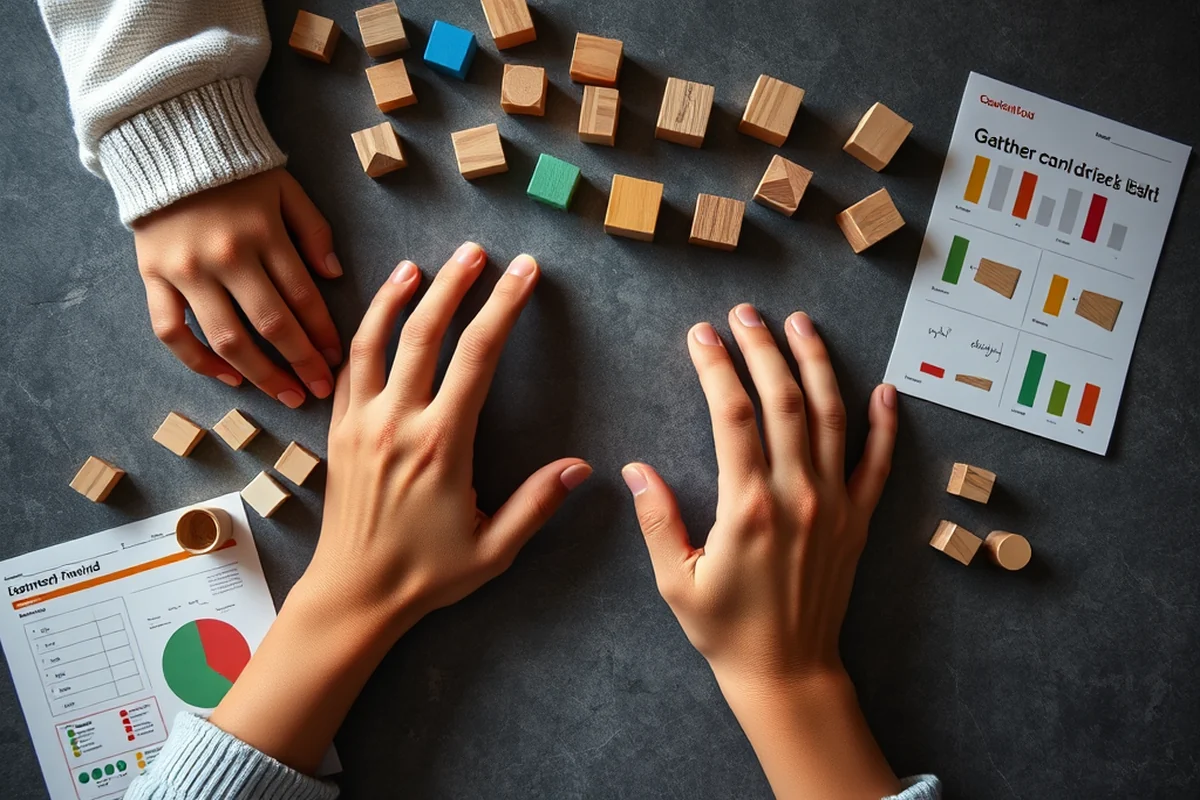
For children aged 3–6, the app provides a developmentally appropriate learning experience that's both fun and educational. The activities are designed with young learners in mind, using simple language, bright colors, and interactive elements that keep them interested.
The app also includes a variety of activities that cater to different learning styles, such as visual, auditory, and kinesthetic. For example, one activity might involve tracing letters on the screen, while another might use a song to teach the alphabet. This helps children learn in the way that works best for them.
Another benefit is that the app encourages independence. My son has started using the app on his own after a few weeks, which has been great for building his confidence and self-motivation.
Related: Homeschool planner book
Getting the Most Out of the App
The app is not a substitute for hands-on learning, but it's a great complement. I try to use it in combination with other activities, like reading books, playing with educational toys, and going on nature walks. This helps reinforce what my son is learning in the app and makes the learning experience more well-rounded.
Another tip is to make the learning process fun and engaging. I often use the app as a way to start the day, and I reward my son with a small treat or a special activity after he completes an activity. This helps him see learning as a positive experience.
Finally, I recommend taking time to explore the app and find the activities that work best for your child. Some kids might prefer short, focused lessons, while others might enjoy longer, more interactive activities. Finding the right balance is key.[4]
Related: Tiny house plans
Why This App Is Worth the Investment
While the app does have a subscription cost, the value it provides makes it worth the investment. I've spent over $50 on educational tools and materials in the past, and this app has helped me eliminate the need for many of those purchases.
The app also saves time by providing pre-designed lessons and activities that are ready to use. This is especially helpful for parents who are juggling work and school, as it reduces the amount of time needed to plan and prepare for each day's lessons.
In the long run, the app helps build a strong foundation for learning that can carry over into school and beyond. It's not just about the immediate benefits — it's about preparing your child for the future.
It's not just about the immediate benefits — it's about preparing your child for the future.
Related: Best homeschool planner for one student
Real Results from Real Families
I've heard from other parents who have used the app and seen similar results. One parent mentioned that her daughter started recognizing letters and numbers within a few weeks of using the app, while another parent shared that her son has become more confident in school because of the skills he's developed through the app.
Another benefit is that the app helps parents feel more confident in their ability to teach their children. I've noticed that using the app has given me more confidence in my own teaching abilities, and it's helped me become more involved in my son's education.
The app has also helped create a more positive learning environment at home. I've noticed that my son is more excited about learning now, and he even asks for the app on his own when he has free time. It's a small change, but it's made a big difference in our daily routine.
🧸 Younger Kids (Ages 3-4)
This version includes more sensory activities and interactive games that are perfect for young learners.
👦 Older Kids (Ages 5-6)
This version includes more advanced activities that help prepare children for kindergarten and beyond.
⏰ No-Prep Version
This version offers quick, ready-to-use activities that can be done in just a few minutes.
👥 Group Learning Version
This version is designed for group settings, with activities that encourage collaboration and teamwork.
🧩 Extension Activities
This version includes bonus activities that help extend learning beyond the core curriculum.
| The mistake | Why it happens | The fix |
|---|---|---|
| Using the app without a clear schedule or routine. | Without a clear schedule, children may not know when to expect the app, which can lead to inconsistent use and poor engagement. | Set a specific time each day to use the app and stick to it, even if it's just for a few minutes. |
| Overusing the app and neglecting other forms of learning. | While the app is a great tool, it should be used in combination with other learning activities to provide a well-rounded education. | Use the app as a supplement to other learning activities, such as reading, play, and hands-on projects. |
| Not engaging with the app's features. | Many parents don't take the time to explore the app's full range of features, which can limit the learning experience. | Take time to explore the app and learn about all the features and activities it offers. |
| Not using the app consistently. | Consistency is key when using the app, as it helps children build a learning habit and see progress over time. | Use the app regularly, even if it's just for a few minutes each day, to build a routine and see results. |
Gather Round Homeschool App
Common Questions
Is the app suitable for children with learning disabilities?
How often should I use the app?
Are there any additional costs?
Can I use the app on multiple devices?
References
- Living. - Catawba County, North Carolina (catawbacountync.gov)
- Policy - North Dakota Center for Distance Education (cde.nd.gov)
- Arkansas Education Freedom Account (EFA) Family Handbook (dese.ade.arkansas.gov)
- Douglas County School District: Home (douglascountynv.gov)
Cite this guide
Plannedathome (2026). Gather Round Homeschool App. https://plannedathome.com/gather-round-homeschool-app/
Feel free to cite or share this guide.
Homeschool Week Planner
Daily homeschool schedule with subject minutes by grade band.
Open it free →